How it works
One sentence in. A published site out.
Describe the site you want, let AI generate the pages, navigation and content, then refine everything in the builder and publish when it's ready.
The process
From one sentence to a published site
Four steps, start to finish — all of it in the same workspace. Describe what you want, let AI draft it, refine anything you like, then publish when it's ready.
-
01
Step one
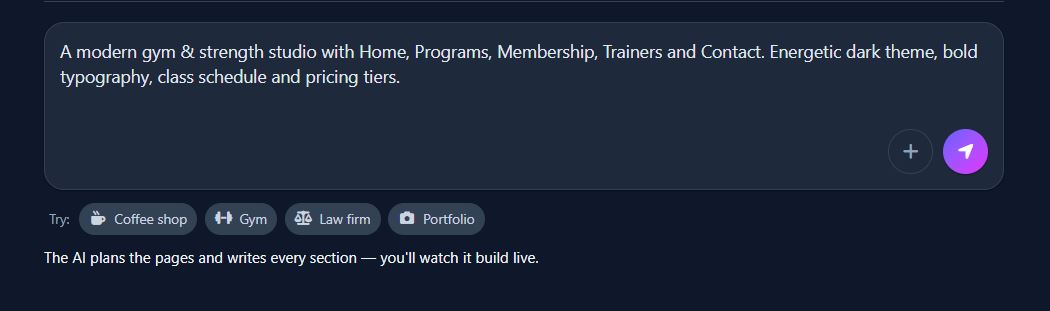
Describe your site
Type what you're building in plain words — "a bakery in Lisbon with an online menu" is enough. No template gallery to scroll, no blank canvas to stare at.
Takes about a minute.
-
02
Step two
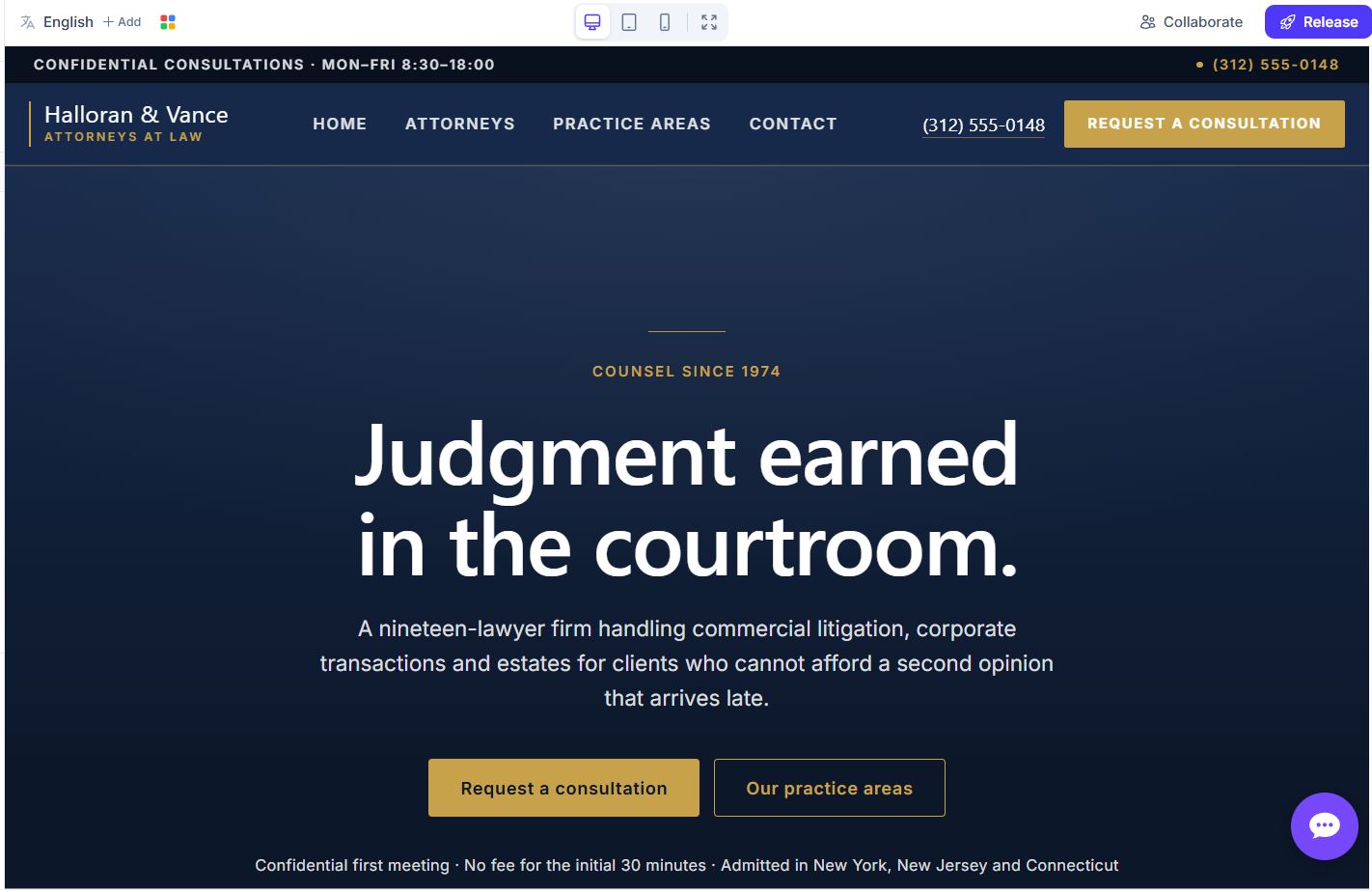
AI generates pages, navigation and content
AI drafts the whole site at once: the page structure, the navigation menu, every section layout and the written copy inside it.
A matching design system — colours, fonts, spacing — is generated with it.
-
03
Step three
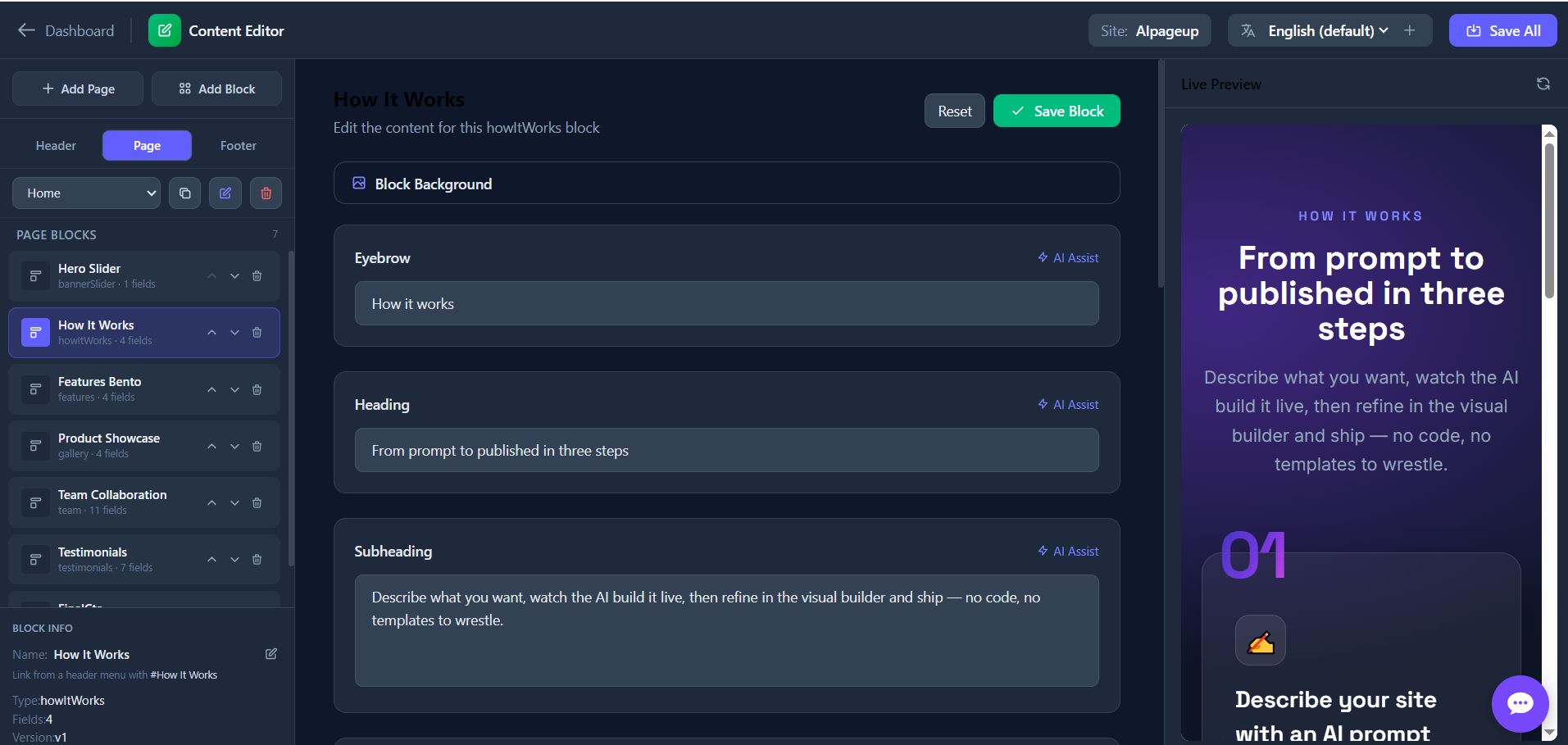
Refine in the builder / CMS
Open the visual builder and click any element to edit it. Reorder sections, swap images, or rewrite and translate any text field with AI assist.
Content and layout stay separate, so editors never break the design.
-
04
Step four
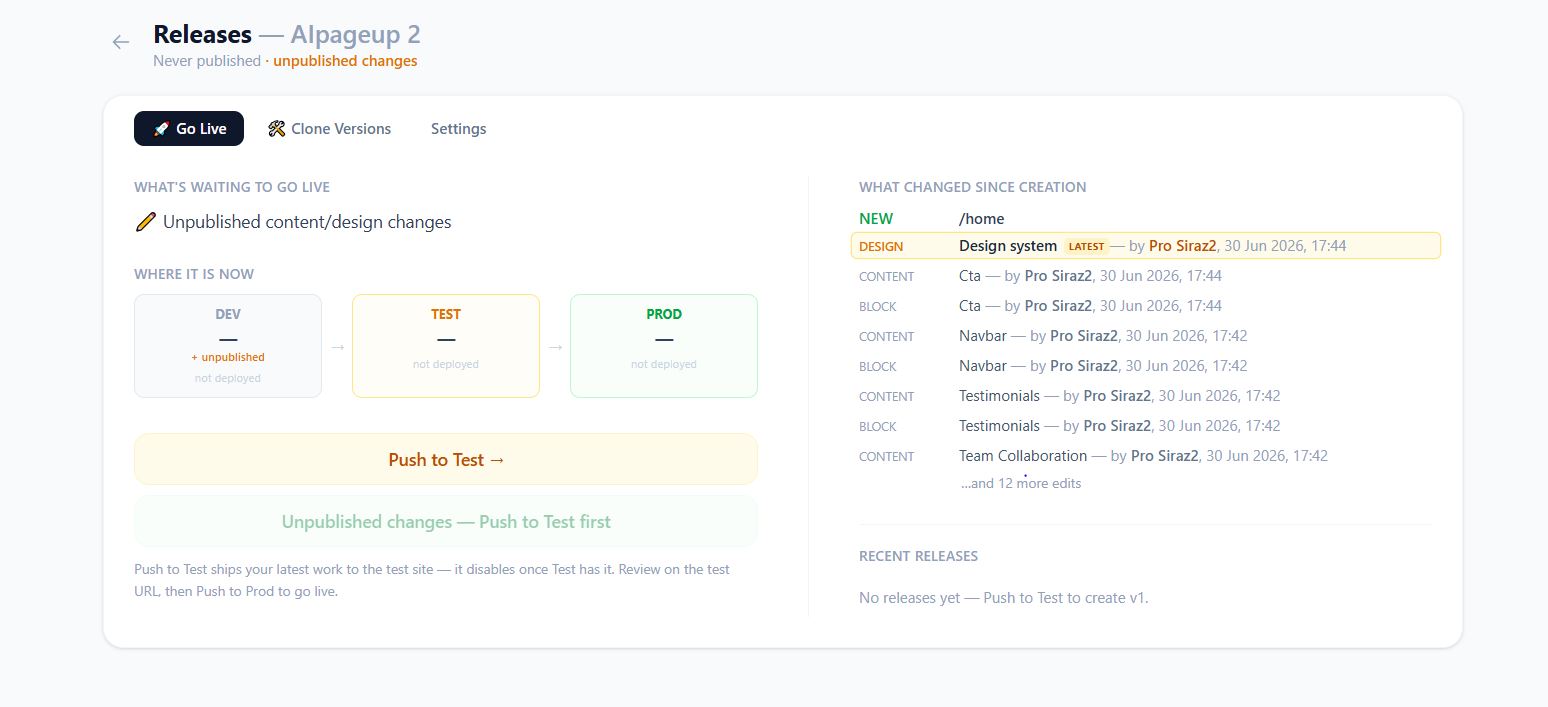
Publish — DEV, then TEST, then PROD
Preview your work on DEV, share TEST with the team for sign-off, then promote to PROD in one click when everyone is happy.
Connect your own domain whenever you're ready.
Four steps, one afternoon
Describe your site and watch it build itself
Start with a sentence — AI Page Up writes the pages, navigation and content, and you refine and publish from there.